Rank Higher. Get Found. Make Smarter Marketing Decisions — With AI-Powered CMART SEO & Analytics
Search AI Helps You Optimise Your Website for
Google, Track Performance, and Turn Data into Growth
— Automatically with our CMART Search AI
SEO and analytics can be overwhelming — especially when you’re focused on serving clients and growing your business.
That’s why we built CMART Search AI, your all-in-one SEO & Analytics tool
that turns complex data into clear, actionable insights.
From keyword tracking to content optimisation, performance reports, and AI-powered recommendations
— this feature helps you show up, stand out, and scale online.
What is the
CMART Search AI Feature?
Our CMART Search AI is your built-in marketing intelligence engine.
It combines SEO optimisation, website analytics, and performance tracking,
all powered by AI and fully integrated with Google Analytics, Google Search Console, and your CRM.
It’s the smartest way to understand what’s working, where to improve, and how to drive more traffic, leads, and
conversions from your online presence.
It's your SMART SEARCH TOOL.
Key Features
Google Analytics & Search Console Integration
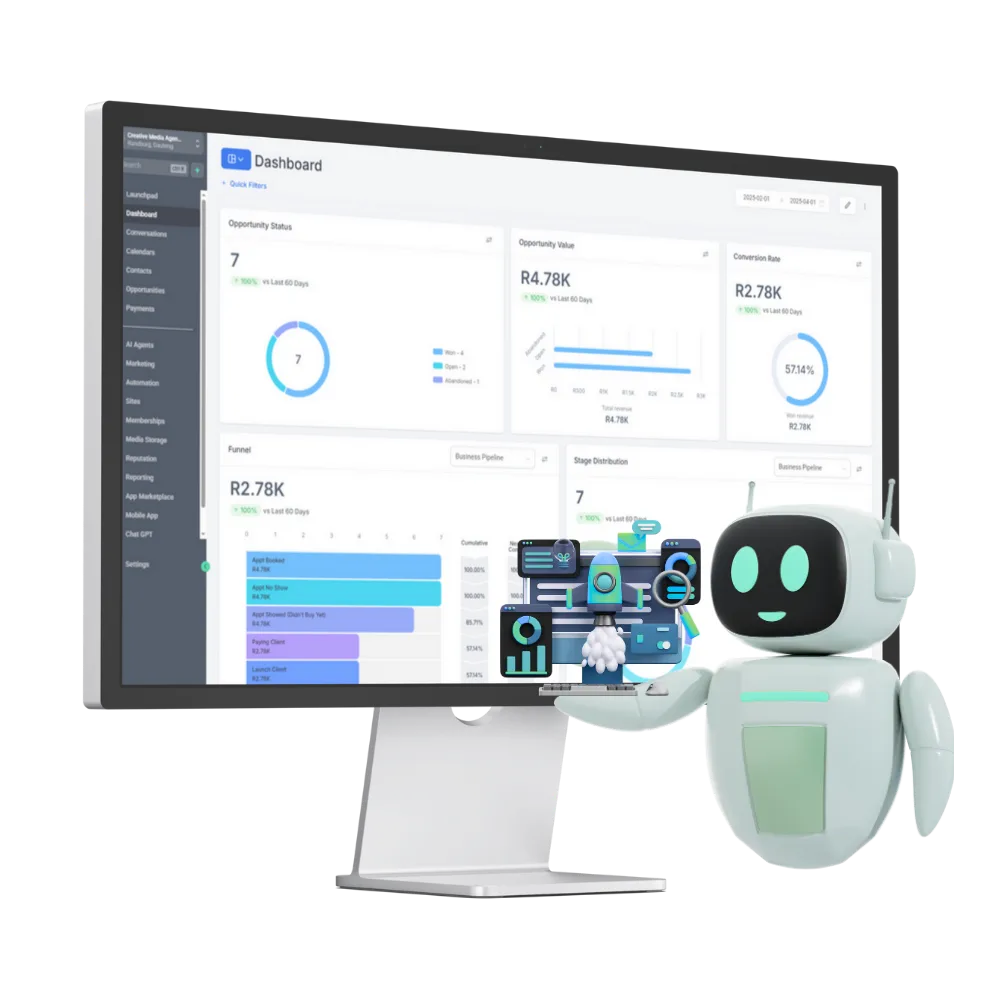
Pull real-time traffic, search terms, top-performing pages, and site metrics — all in one unified dashboard.

AI-Generated SEO Recommendations
Get instant, personalised SEO tips to improve your page titles, meta descriptions, content structure, load speed, and keyword placement.

Keyword Tracking & Rank Monitoring
Track how your site ranks on Google for your most valuable keywords — and get alerts when positions rise or fall.

Content Optimisation Assistant
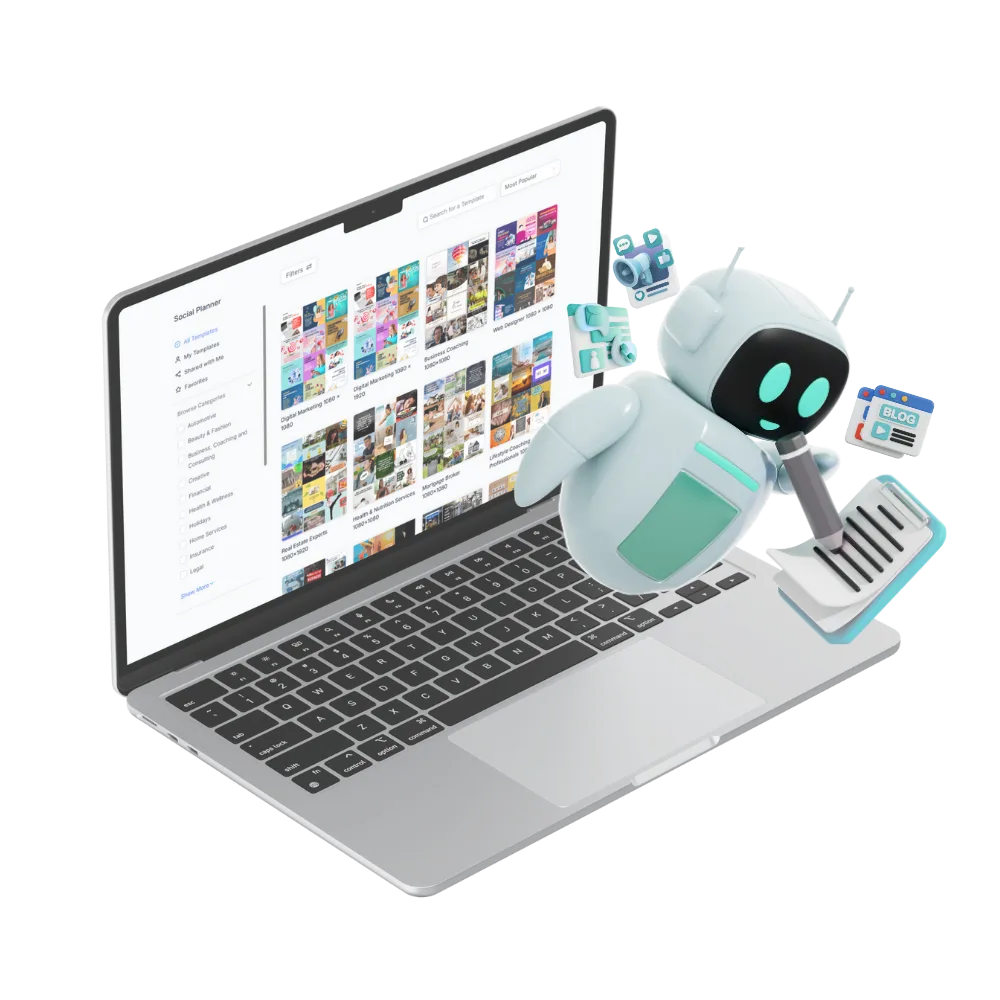
Use AI to rewrite headlines, improve on-page SEO, and structure content that both humans and search engines love.

Page & Funnel Analytics
See which landing pages, funnels, and blogs are driving the most leads, clicks, and conversions — and where visitors drop off.

Visual Performance Reports
Create easy-to-understand, client-friendly reports showing traffic trends, keyword progress, conversion rates, and more.

Lead Source Attribution
Know exactly where your leads are coming from — Google, social media, email, or direct — and which campaigns are working best.

CRM & Workflow Integration
Tie data insights directly into your marketing — trigger follow-ups, segment leads by source, and launch new campaigns based on performance.

Replace all other platforms and tools with
ONE software that does it all - our CMART-App
Forms & Survey Builder
Easier for leads to become clients
Looking for a way to onboard clients and collect their details?
Craft custom forms in minutes without any tech hassle. Capture leads, and gather feedback effortlessly. Create drag-and-drop forms and surveys that make it easy for clients to fill out.
Connects with the TOOLS you're already using









Who This is Perfect For
Coaches
Who want to rank on Google and grow their online visibility
Consultants
Looking to measure website ROI and improve SEO
Small Business Owners
Who need SEO without hiring an expert
Ready to grow your business?
Benefits Over Traditional SEO &
Analytics Tools
Traditional SEO Tools
CMART Search AI
Complicated dashboards
No content guidance
No funnel or CRM visibility
Limited to Google data
Requires expert interpretation
AI-simplified reports & insights
AI-generated SEO improvements
Full integration across website, CRM & workflows
Unified view with Google, CRM, email & funnel tracking
Beginner-friendly, AI-explained suggestions
TESTIMONIALS
What Our Clients Are Saying

"In plain language..."
“I used to ignore analytics because I didn’t understand them. Now, Search AI shows me what’s working and what to fix — in plain language.”
Amanda J., Life Coach, Johannesburg


"I finally know..."
“We improved our Google ranking in just a few weeks using the AI SEO tips — and we finally know where our leads are coming from!”
Thabo M., Digital Agency Owner, Cape Town

"Highly recommend this"
"I did not realise what a gamechanger this tool could be, it literally changed the way I create my content..."
Lizzi, Graphic Designer, Cape Town
See Exactly What's Working - and What To Fix
Without the Guesswork.
CMART Search AI turns your data into decisions
Rank higher, reach more people, and grow confidently with SEO that’s actually easy.
Get Started with our CMART Search AI Tool Today!
FAQ's
Q: Can I automate both client communications and internal tasks?
Conversations AI and Workflows AI to handle both sides:
Client Communications: Conversations AI manages your Facebook messages, Instagram DMs, SMS, WhatsApp, and emails from one integrated inbox — nurturing and replying to leads 24/7, even when you're away.
Internal Tasks: Workflows AI automates your backend operations — sending appointment reminders, requesting Google reviews, following up with forms, and triggering actions based on client behavior.
Think of it as having AI employees who handle the conversation AND the paperwork.
Q: How does Marketing AI help inside the workflow builder?
Marketing AI integrates directly into your workflows to automate your marketing touchpoints:
Smart Follow-ups: Workflows trigger personalized email/SMS sequences based on where leads are in your pipeline
Behavioral Triggers: Send targeted messages when someone opens an email, clicks a link, or abandons a booking
Content Creation: The Content AI feature generates scroll-stopping copy and visuals for your campaigns — directly usable within your workflows
Lead Nurturing: Automatically move leads through your funnel with timed, relevant communications without manual intervention
The workflow builder essentially becomes your 24/7 marketing department.
Q: Can I customise when and how workflows are triggered?
Yes, full customization.
You control the triggers and logic:
Custom Triggers: Set workflows to fire on specific actions — form submissions, booking confirmations, payment received, tag applied, stage changed in your pipeline
Timing Control: Delay actions by minutes, hours, or days; schedule sequences; set business hours-only execution
Conditional Logic: Branch workflows based on lead behavior, custom fields, or tags — different paths for different scenarios
Multi-channel Actions: Trigger emails, SMS, internal notifications, task assignments, or webhook calls to other tools
The workflow builder gives you point-and-click customization without needing to code.
Will this replace my email marketing or task management tools?
Yes — that's exactly what it's designed for.
The benefit: Instead of paying for 5+ subscriptions and duct-taping them together, you run everything from one dashboard with data that actually talks to each other.
Your email list knows when someone booked a call. Your CRM knows when an invoice was paid. Your workflows know to stop sending marketing emails to someone who just became a client.
That said: If you love a specific tool and it works, CMART integrates with leading software via unlimited business integrations.
You're not forced to migrate everything on day one. Many clients start with one feature (like replacing their booking tool) and gradually consolidate as they see the value.
Tool Category
CRM
Email Marketing
Booking System
Invoicing
Form Builder
Website / Funnel Builder
Course Platform
Review Management
Social Media Scheduler
Accounting Software
Payment Gateway
What it Does
Track leads, manage pipeline
Send campaigns, automation
Calendar scheduling
Send invoices, get paid
Lead capture forms
Landing pages, funnels
Online courses, memberships
Google review management
Post to social platforms
Financial tracking, tax
Process payments
Can CMART do it?
Yes
Yes
Yes
Yes
Yes
Yes
Yes
Yes
Yes - Content AI
Yes - Integrates
Yes - Integrates
+ much more

FOLLOW US


TAKE ACTION
COMPANY
LEGAL
CUSTOMER CARE
Copyright 2026. CREATIVE MEDIA AGENCY. All Rights Reserved.